 SessionTap
Duration data sheet
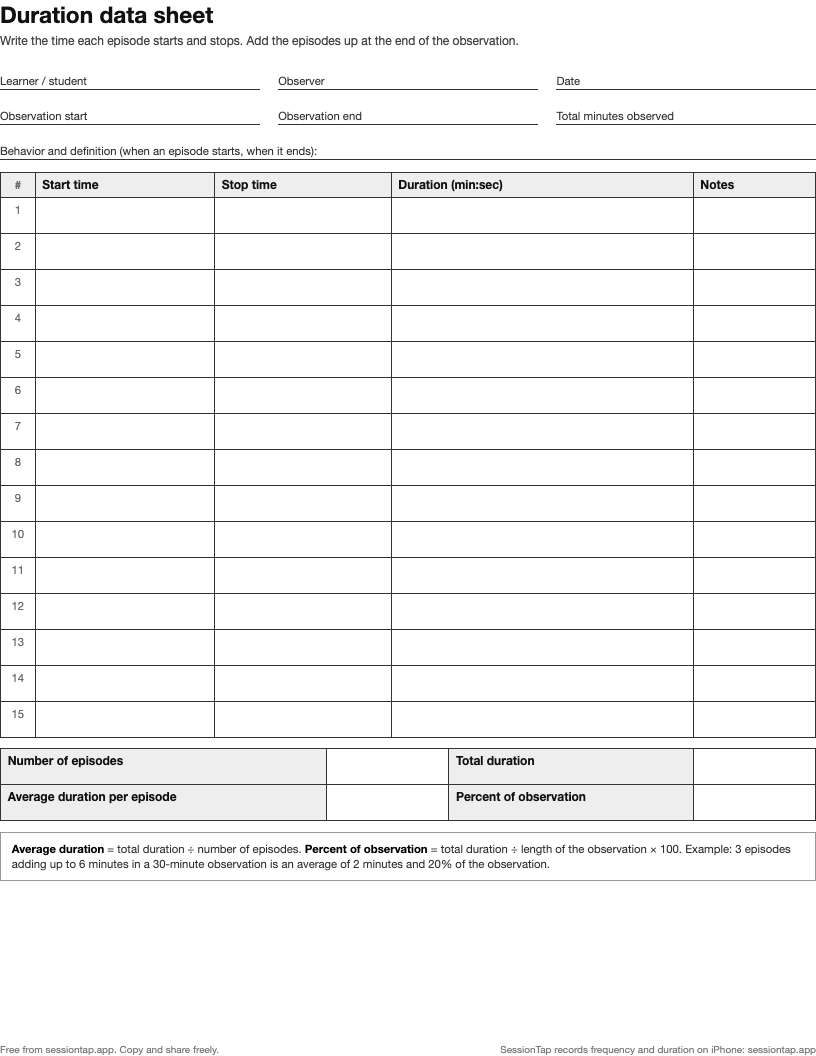
A one-page sheet for timing how long a behavior lasts. Write the start and stop time of each episode, then total them up with the formulas printed at the bottom.
How to fill it in
- Define the behavior, including exactly when an episode starts and when it has ended. ("The tantrum ends after 10 seconds with no crying or screaming" is a usable rule; "when they calm down" is not.)
- Write the observation start time.
- For each episode, write the start time and the stop time. A watch with seconds or a stopwatch helps.
- At the end, fill in the observation end time and work out the summary:
| Summary | How to work it out | Example |
|---|---|---|
| Number of episodes | Count the rows | 3 |
| Total duration | Add the durations | 6 min |
| Average duration per episode | Total ÷ number of episodes | 2 min |
| Percent of observation | Total ÷ observation length × 100 | 6 ÷ 30 × 100 = 20% |
Which number to report
Total duration and percent of observation answer "how much of the time": useful for on-task behavior or engagement. Average duration answers "how long does each one last": useful when the goal is shorter tantrums, even if they still happen. Write down both if you are unsure; the duration recording guide explains when each matters, and how latency differs.
The same sheet on a phone
In SessionTap a duration button starts timing on one tap and stops on the next, and it shows how long it has been running while you watch. Several can run at once. At the end you get the number of episodes, the total time and the percent of session for each behavior, and the CSV export has the start time, end time and length of every episode.